Top After Effects Scripts and Plugins for Video Localisation (2026 Guide)
A complete guide to automating your After Effects localisation workflow. Compare the best scripts and plugins—including AE Sheets, Templater, and Plainly—to scale your multi-language videos.

Hugo
· 5 min read
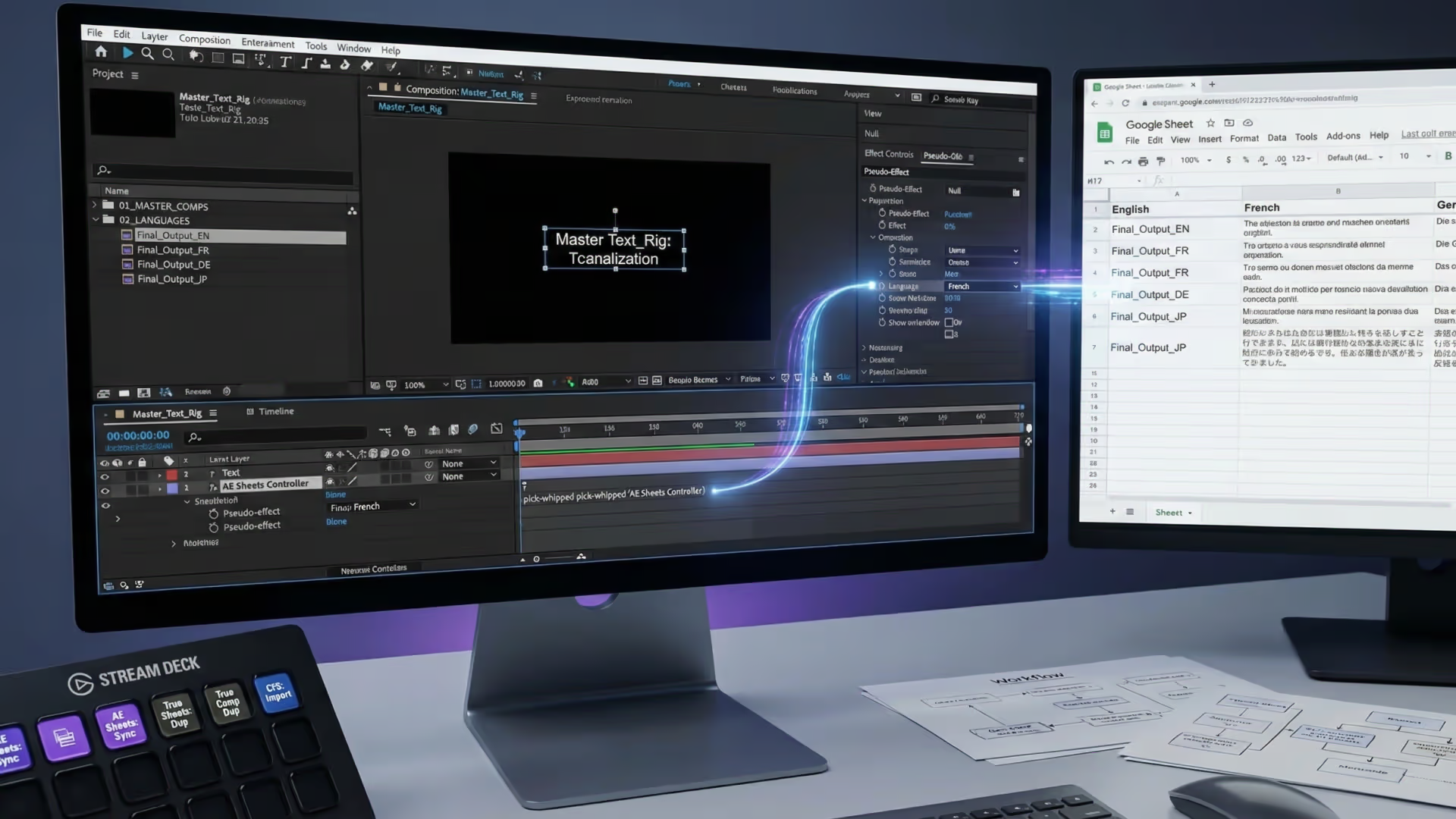
Localising a video for multiple languages is one of the most repetitive tasks in motion design. Done manually, it scales terribly — every new language multiplies the editing work. Done with the right structure and tools, you can go from one language to ten in a fraction of the time.
This guide covers the modern 2026 workflow: from project architecture to the best plugins and scripts that automate the heavy lifting.
1. Structure your project for localisation
The single biggest factor in how painful localisation will be is how you set up your project initially. A project built with translation in mind takes a fraction of the time to adapt.
Use Essential Properties (The Modern Master Comp)
While duplicating “Master Comps” used to be the gold standard, modern workflows rely heavily on Essential Properties.
Keep all your text layers in a dedicated precomp. Instead of duplicating that precomp for every language and bloating your project file, promote the source text to the Essential Graphics panel. This allows you to drop the exact same precomp into your final timeline multiple times, pushing unique language text into each instance without altering the original design.
Name every layer meaningfully
This sounds obvious, but it matters: name your layers by their role, not their content. headline_text, body_copy, and cta_button are much better than Text 1 or After Effects Text Layer 3. Scripted automation tools match layers by name. Good naming conventions make automation reliable.
2. The Best After Effects Localisation Plugins & Scripts
Once your project is structured, you need a way to push translated text into your compositions. Manually copy-pasting from a spreadsheet into After Effects is a recipe for typos and burnout. Here is how the top tools in the industry stack up:
1. AE Sheets (The Sweet Spot for Motion Designers)
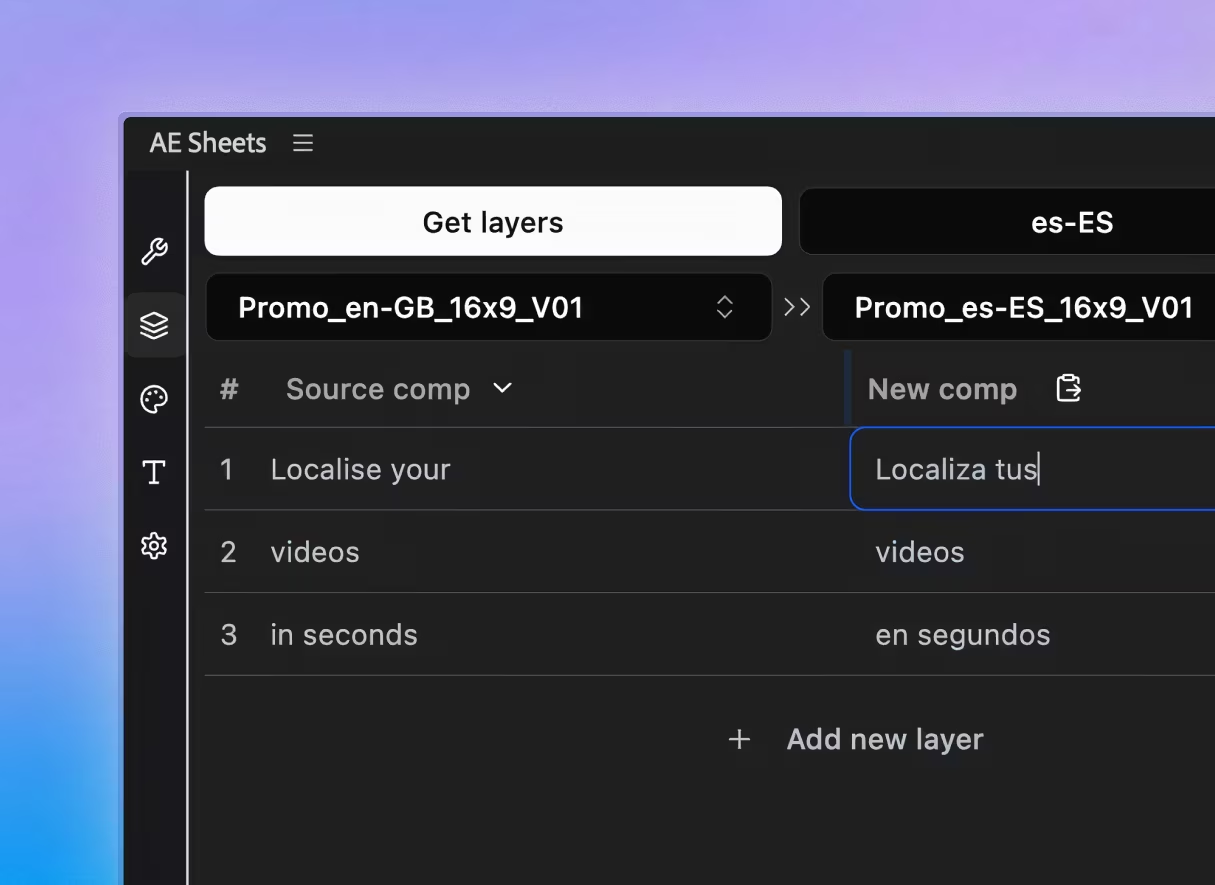
If you want the power of spreadsheet-driven automation without the enterprise price tag, AE Sheets is the standout choice. You connect a Google Sheet directly to After Effects, select a language column, and generate localized comps instantly.
- Pros: Easy setup, built-in AI translation capabilities, and it updates every text layer at once across your project. It’s a highly affordable one-time purchase.
- Cons: Not designed for cloud-based rendering (requires local AE).
2. Dataclay Templater (The Enterprise Heavyweight)
Templater is the industry standard for 24/7 broadcast networks and high-volume data-driven video. It can pull from JSON, Google Sheets, or databases to automate complex dynamic layouts.
- Pros: Incredibly robust; handles dynamic timing (Time Sculpting) and layout shifts beautifully.
- Cons: Very steep learning curve and comes with a hefty recurring subscription cost (starting around $225/month for Pro features).
3. Plainly (The Cloud API Solution)
Plainly is a cloud-based automated video creation platform. Rather than running a script inside your local After Effects, you upload your AE template to Plainly’s servers and use their web app or API to render videos via spreadsheet data.
- Pros: Zero local rendering required; great for integrating into web apps via Zapier/Make.
- Cons: Expensive recurring monthly pricing (starting at $69/mo for just 50 minutes of render time) and requires uploading your proprietary project files to a third-party server.
4. True Comp Duplicator
If your project is incredibly complex and Essential Properties aren’t cutting it, you may need entirely unique composition structures for each language. True Comp Duplicator duplicates deep hierarchies and updates expressions automatically.
- Pros: Essential for structural duplication; Name-Your-Own-Price.
- Cons: It only duplicates the structure—you still have to get the translated text in there manually or pair it with another tool.
5. CompsFromSpreadsheet
A legacy workhorse script. It takes a tab-delimited text file and generates new compositions based on the rows.
- Pros: Very reliable for basic bulk versioning.
- Cons: The UI feels dated, and managing tab-delimited local files is clunky compared to a live Google Sheets sync.
3. Handle fonts for every target language
Font management is often the most overlooked part of localisation.
If you’re localising into Arabic, Hebrew, Japanese, Chinese, or Korean, your standard Latin font probably won’t cover those characters. Your layout also needs to accommodate text expansion (German tends to run long, while Japanese can be quite compact).
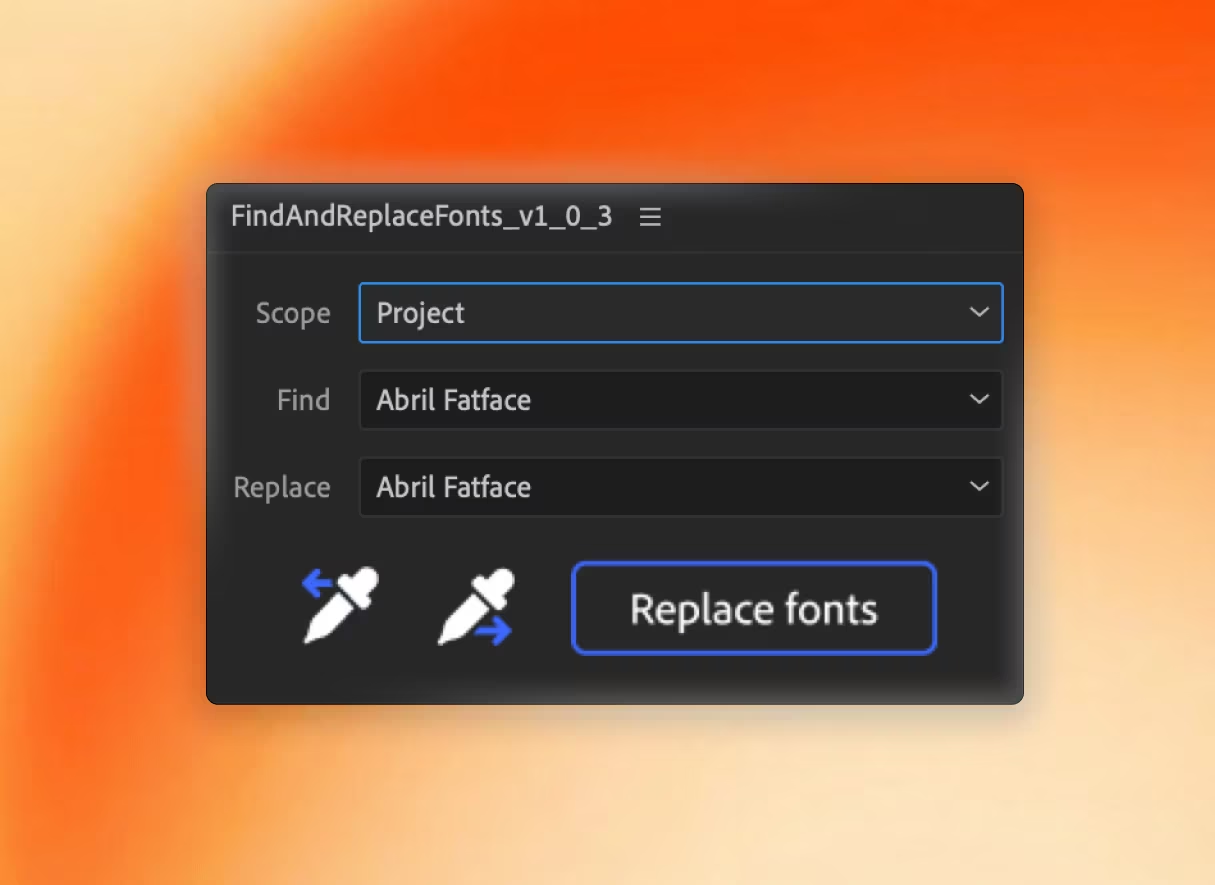
Plan this upfront. Instead of hunting through every comp manually, use Find and Replace Fonts to swap the Latin font for the script-appropriate alternative across your entire project in one pass.
4. Quality check before delivery
Before you send localisations to a client, always follow this checklist:
- Check for overflow: Text that worked in English may be clipped in German. Review each comp at 100%.
- Verify font rendering: Ensure no “missing font” warnings exist and that special characters haven’t defaulted to Arial.
- Check animations with new text: A short word replaced by a long phrase can break typewriter animations, text reveal effects, and anything that keys off character count.
The Verdict
If you’re building automated web-apps or rendering 10,000 personalised videos a day, enterprise tools like Plainly or Dataclay Templater are exactly what you need.
But if you are a freelancer or a motion design studio looking to localise a campaign into 5, 10, or 20 languages without paying expensive monthly subscriptions, AE Sheets paired with Find and Replace Fonts provides the exact workflow you need to scale your output and get your time back.
Both are available on Sidequest Plugins and work together seamlessly.
Mentioned in this article
Take your workflow further
The tools covered in this guide are available on Sidequest Plugins.